

An ergonomic workspace is more than just a comfortable chair or a sturdy workbench. It’s about creating a setup that supports health, efficiency, and long-term productivity. Whether you’re working in a warehouse, laboratory, or office, the right ergonomic choices can reduce fatigue, prevent injuries, and improve focus. Here are six essential tips to help you design a workspace that truly works for you.
The choice between sitting and standing depends on the type of work. Sitting is ideal for paperwork, typing, and light tasks, while standing suits heavy lifting, continuous movement, or assembly work. Alternating between sitting and standing improves focus and reduces strain. A height-adjustable table allows multiple people to use the same workstation comfortably and can be adjusted manually or electrically.
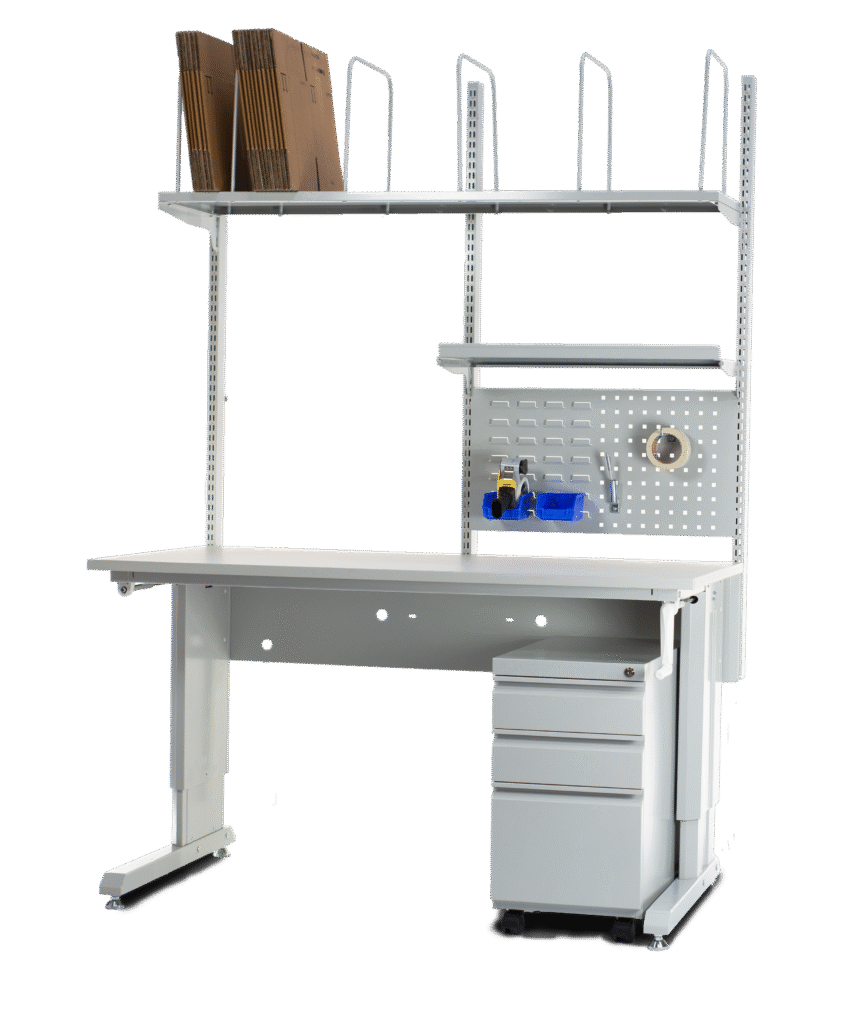
A proper chair, stool, or footrest is essential for ergonomic balance. For sit-stand tasks, a high-quality office chair is recommended. A footrest helps when feet don’t reach the ground at a 90° angle, while a stool offers relief during standing work.
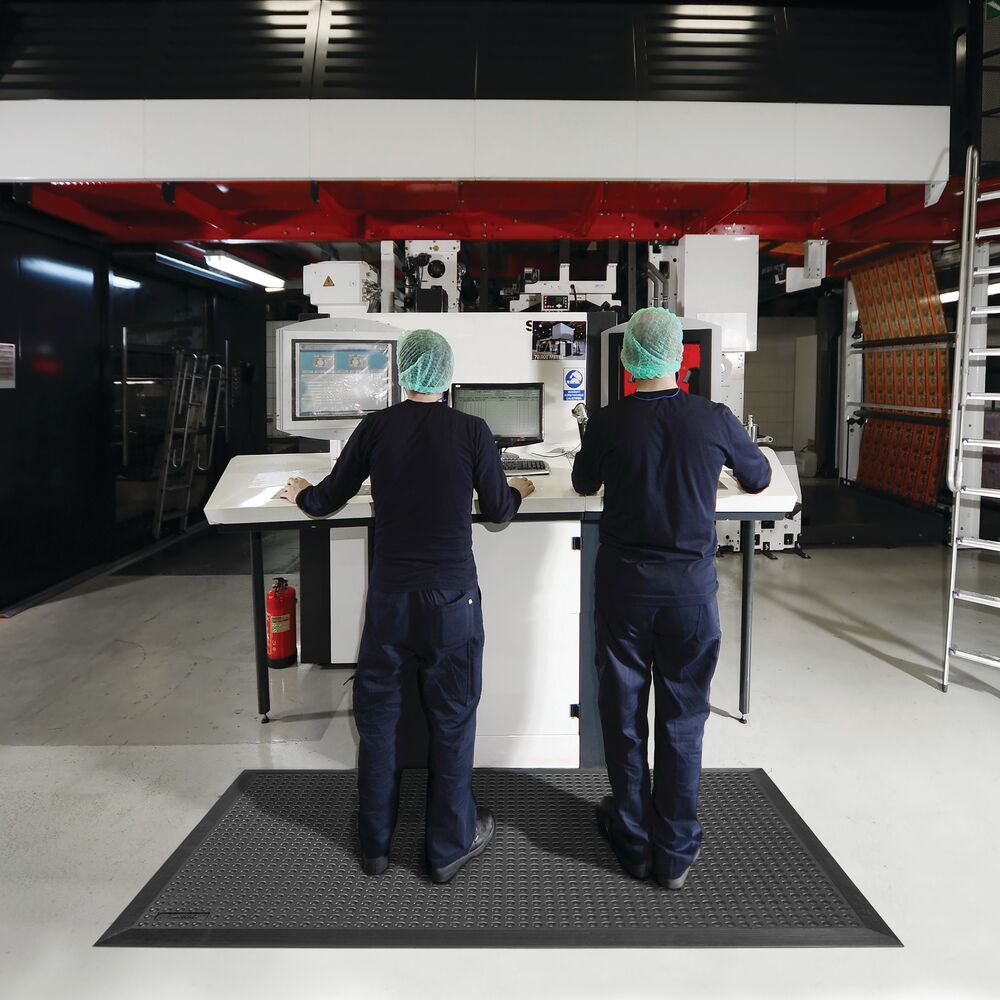
Standing or walking for long periods requires a soft, supportive surface. Plastic tiles provide cushioning, while ergonomic mats encourage subtle foot movement, improving circulation and reducing fatigue. The result: higher comfort and productivity.
Lean working means minimizing unnecessary movements. Document holders, perforated panels, and stackable bins on movable arms keep tools close at hand. Pull items toward you when needed and push them away when not, reducing bending and stretching.
Good lighting is critical, especially for precision tasks. A strong light column reduces shadows, while a second lamp can eliminate dark spots. Adjust brightness and contrast to reduce eye strain, headaches, and fatigue.
Even with the perfect setup, posture matters. Avoid overloading muscles by changing positions frequently. Stretch, take short breaks, and alternate between sitting and standing every 30 minutes. Movement keeps energy levels high and prevents strain.